Industry Insights · Industry
What Shipyard and Maritime Training Demand of XR Hardware. A Requirements Read for Yard and Fleet Operators.
By QWR Engineering
Shipyards combine several of the most hazardous kinds of industrial work in one place. Welding and cutting inside enclosed compartments. Work at height on staging and in dry docks. Heavy lifts with cranes over people. Entry into tanks, double bottoms and void spaces. Much of it happens inside a large steel structure that changes shape as it is built.
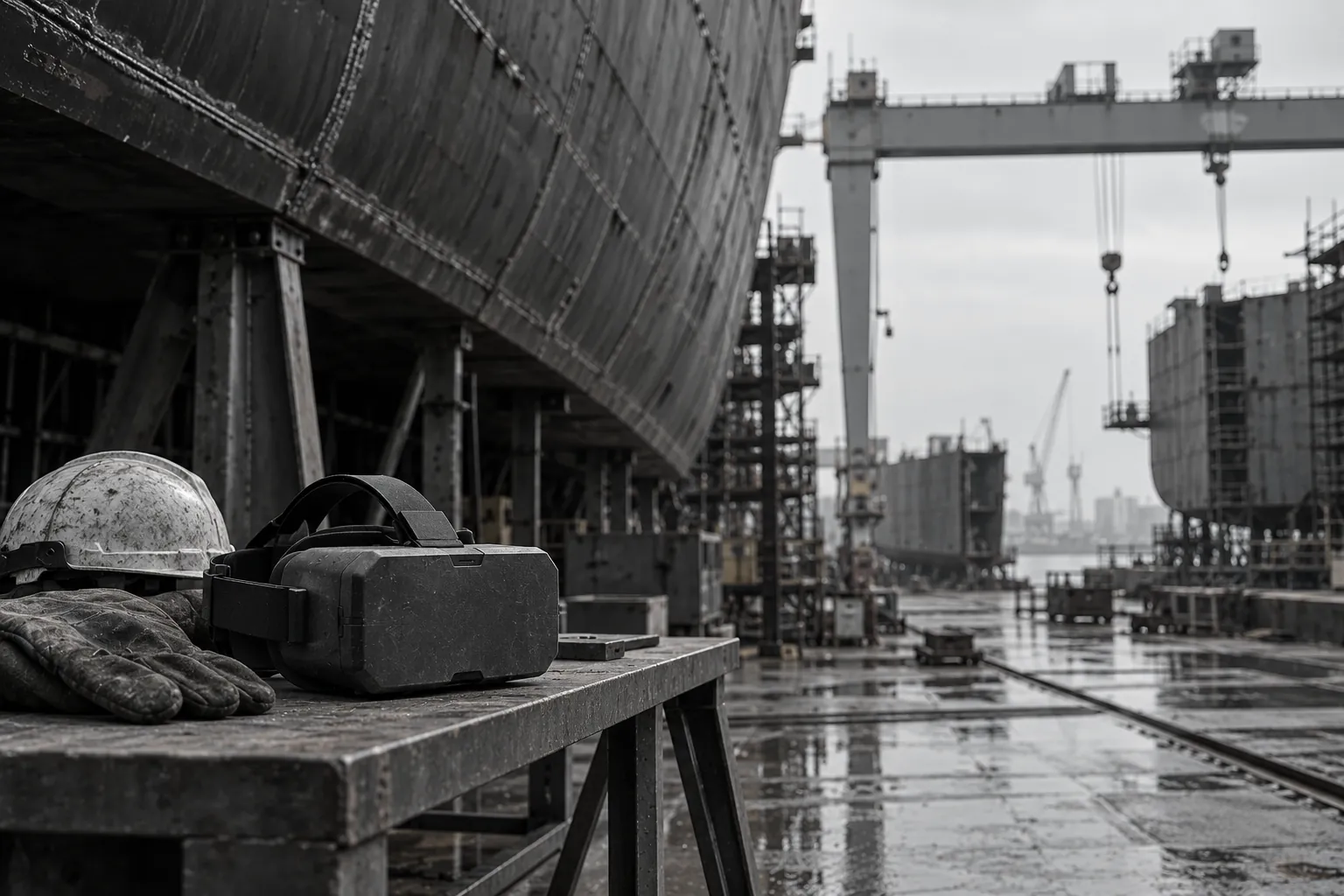
Illustrative image. These are not what our headsets look like.
That makes shipyards and fleet operators natural candidates for immersive training. A welder can practise entry procedures for an enclosed compartment without being in one. A rigger can rehearse a lift plan before the crane moves. A crew can familiarise themselves with a vessel's layout before boarding.
The same environment that makes the training valuable also makes the hardware harder to get right. Steel structures affect how some devices sense direction and connect to networks. Salt air and weather test durability. Enclosed spaces challenge tracking and safety. This paper sets out what shipyard and maritime operations ask of XR hardware, for yard training leads, fleet operators and their safety teams.
Training scenarios that shape the hardware choice
Most shipyard and maritime XR training falls into a few groups.
Enclosed and confined space entry. Tank and compartment entry, atmospheric testing, ventilation, rescue. Covered in detail in the companion paper Which Safety Modules Need Which Headset.
Hot work. Welding and cutting safety, fire watch, permit procedures.
Work at height. Staging, scaffolding, dry dock edges and hull work.
Lifting and rigging. Crane signals, sling selection, load paths and exclusion zones.
Vessel familiarisation. Learning a ship's layout, escape routes, equipment locations and emergency stations before boarding.
Maintenance procedures. Step-by-step guidance on engines, pumps and deck machinery, often in the field rather than a training room.
The first five are typically VR training in a training centre. The last is often AR or voice-guided work on board. As in other industries, a single fleet rarely serves both well.
Metal structures, tracking and connectivity
This section is specific to shipyards and vessels.
Which tracking methods steel affects
It is common to hear that steel "interferes with tracking". The reality is more specific, and it matters for choosing hardware.
Camera-based inside-out tracking, used by most current standalone headsets, works by recognising visual features in the surroundings. Steel itself does not interfere with it. What can cause problems in a shipyard are the conditions steel often comes with: large plain or repetitive surfaces with few distinct features, low light inside compartments, and reflective or wet surfaces.
Magnetometers, which some devices use to sense compass heading, can be disturbed by large masses of steel and by electrical equipment. A device that relies on its magnetometer for orientation can drift or point the wrong way inside a hull.
Inertial sensors (accelerometers and gyroscopes) are not affected by steel, but they drift over time without correction from cameras or other sensors.
What to ask. - Which sensors does the device use for tracking and orientation? - Does it rely on a magnetometer for heading, and if so, how does it behave inside a steel structure? - How does camera tracking perform on large plain surfaces and in low light? - Has it been tested inside a hull, a tank or a steel-walled workshop?
For VR training in a training centre, most of this does not apply, because the training room is an ordinary building. It matters most for AR guidance on board and for any training delivered inside the yard's own structures.
Wireless connectivity inside steel
Steel blocks radio signals. Inside a hull, an engine room or a tank, Wi-Fi and mobile signals may be weak or absent. This affects remote assistance, content updates and record synchronisation.
What to ask. Does the device work fully offline, with records and logs synchronised later? Can procedures and training content be stored on the device? For remote assistance on board, what fallbacks exist when there is no signal? The companion paper on remote assistance smart glasses covers offline fallbacks.
Environmental exposure
Salt air, moisture and weather
Dry docks and fitting-out quays are outdoor environments, often near the sea. Salt-laden air accelerates corrosion of exposed metal parts and connectors. Rain and spray are routine.
What to ask. - What ingress protection rating does the device carry? QWR's paper on IP ratings across AI glasses explains how to read them. - What materials are used for exposed parts, and how do they hold up in salt air? QWR's paper on enclosure materials covers the main options. - How are charging ports protected?
Dust and fumes
Grinding, blasting and welding produce dust and fumes. Devices used near this work need protected optics and openings, and need to be easy to clean.
Sunlight
VR headsets should not be used or left in direct sunlight, because their lenses can focus sunlight onto the internal displays. For AR glasses used outdoors on deck or in dry dock, display readability in daylight matters. The companion paper What Power and Energy Operations Demand of XR Hardware discusses outdoor display questions in more detail.
Enclosed spaces and posture
Shipyard work often happens in cramped compartments, crawling through lightening holes, kneeling in double bottoms, or reaching overhead.
For VR training, modules that simulate these spaces may ask the trainee to crouch, kneel or move in confined areas. The device must track reliably in low postures and close to walls or the floor. Comfort and weight matter, because trainees will hold awkward positions.
For AR guidance on board, devices must fit with hard hats, safety glasses, respirators and welding helmets where relevant, and must not snag on structure.
What to ask. Can the device be worn with the respiratory protection and helmets your workers use? Is it compact enough to work in tight spaces without catching? Should it be removed for hot work, and if so, how is guidance delivered instead? The last question is for the yard's safety team as much as the vendor.
Multi-user and coordination training
Lifting operations and emergency drills involve several people coordinating: a slinger, a signaller, a crane operator, a supervisor. Multi-user modules let a team rehearse together.
What to ask. How many trainees can share one scenario? Can they be in different locations? What network does it require? Can a trainer observe and intervene?
Fleet operations and dispersed crews
Fleet operators face an extra challenge: crews are on vessels for long periods, often without reliable connectivity.
Content on board. Training modules and procedures must be stored on devices and usable without a connection.
Records at sea. Training completed on board must be held on the device and synchronised when the vessel has connectivity. The companion paper Getting Training Records Off the Headset covers what the device must support.
Fleet management. Updates, configuration and wiping lost devices may only be possible when the vessel is in port or connected. Plan update cycles accordingly. QWR's paper on kiosk mode, secure boot and remote MDM covers the mechanisms.
Charging and storage on board. Devices need secure, dry storage and a charging routine that fits ship power arrangements.
Typical pattern: yard and vessel as separate programmes
Typical pattern. A shipbuilder introduces VR in its training centre for enclosed space entry, hot work and work at height, using headsets chosen for positional tracking and hand input. Separately, its outfitting team trials AR glasses for guided installation work inside the hull. The trial finds that heading drifts on one candidate device inside the steel structure and that Wi-Fi is unavailable in several compartments. The team selects a device whose tracking does not depend on a magnetometer and loads procedures for offline use.
The yard ends up with two device types for two jobs, chosen by testing each in its real environment.
Where to go next
To compare training headsets with field glasses, start with the Platform Finder. For rugged requirements in other demanding environments, see Specifying Rugged XR for Defence and Aerospace.
Sources
- Meta Quest help, "Avoid sunlight damage with your Meta Quest headset" (cited as a manufacturer safety reference).
FAQ
Frequently asked questions
Does steel interfere with VR and AR tracking?+
Steel does not interfere with camera-based tracking directly, but plain surfaces and low light often found in steel structures can. Devices that rely on a magnetometer for heading can be disturbed by large steel masses. Test inside the actual structure.
What environmental requirements matter for XR hardware in a shipyard?+
Ingress protection for rain and spray, corrosion resistance for salt air, protection from dust and fumes, and display readability outdoors for AR glasses. VR headsets should be kept out of direct sunlight.
How do devices work where there is no wireless signal inside a hull?+
Content and procedures should be stored on the device, with records synchronised later. Remote assistance needs fallbacks such as recording for later upload.
Which training modules are most common in shipyards?+
Enclosed space entry, hot work, work at height, lifting and rigging, vessel familiarisation and maintenance procedures.
Can the same device serve yard training and work on board?+
Usually not well. Training centre VR and on-board AR guidance face different conditions. Choose and test each separately.
Request a Technical Briefing
Our team provides direct support for procurement officers, institutional buyers, and enterprise technology leads.