Industry Insights · Technology · Hardware
Remote Expert Assistance. The Camera, Bandwidth and Offline Questions Behind a Working Session.
By QWR Engineering
The promise of remote expert assistance is simple. A field technician wears smart glasses. An expert, perhaps hundreds of kilometres away, sees what the technician sees, talks them through the fix, and perhaps draws an arrow on the right component. The technician keeps both hands on the work. The expert never boards a plane.
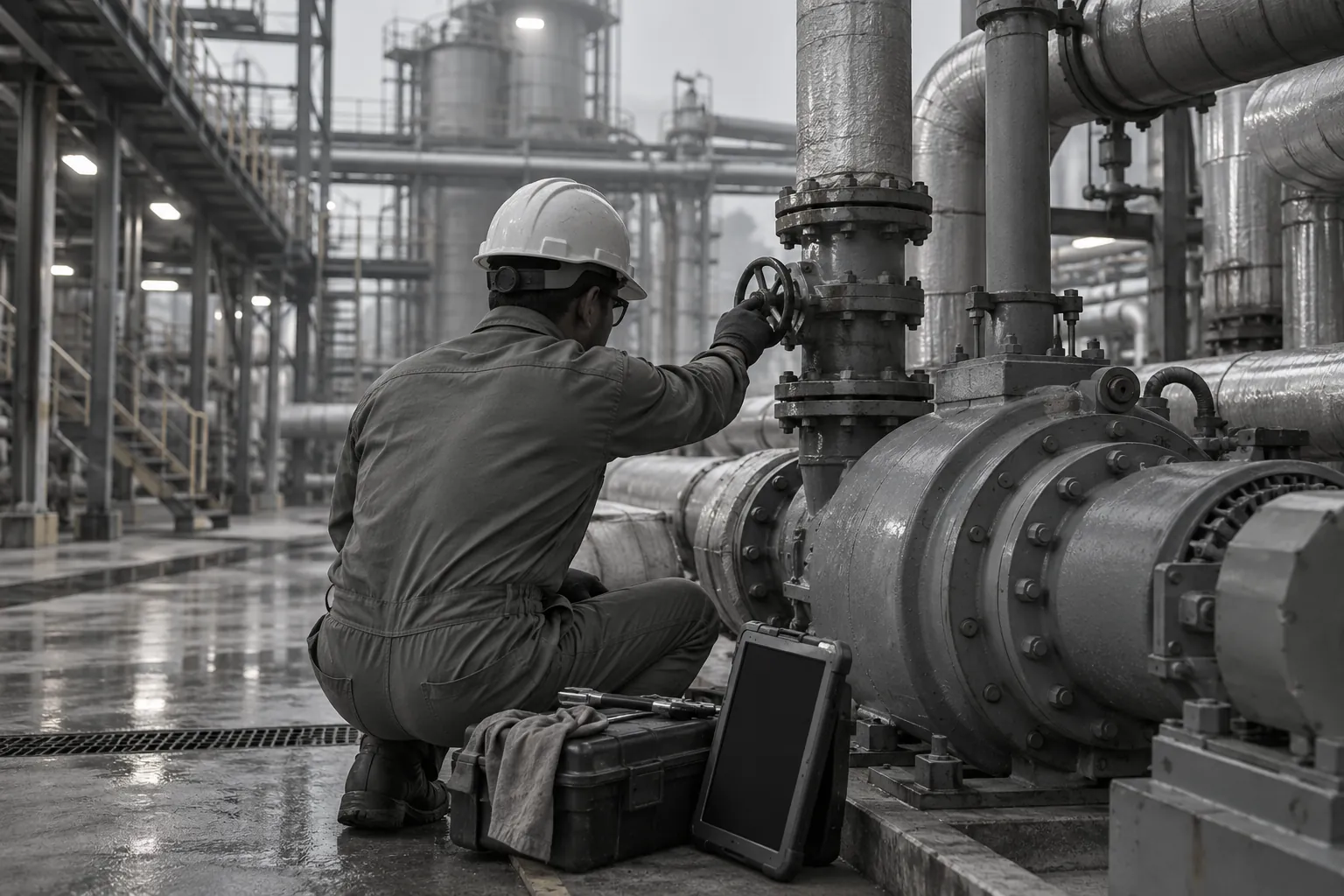
Demonstrations of this rarely fail. They happen in an office with good Wi-Fi, clear lighting and a cooperative object on the desk. Real sessions happen inside a pump house with one bar of mobile signal, under a sodium lamp, with a technician wearing gloves and a hard hat. Whether the session works is decided long before the call, by the hardware and the network.
This paper sets out the questions that decide whether a remote assistance session actually works, so that field service and maintenance leads can evaluate glasses and connectivity together rather than discovering the gaps during the first real fault.
What a working session requires
A remote assistance session succeeds when the expert can understand the situation well enough to give correct guidance, and the technician can receive that guidance without stopping work. That breaks down into four requirements:
- The expert sees enough. The right area, in enough detail, with stable enough video to judge.
- Both sides hear each other. Clearly, over the noise of the site.
- The link holds. Long enough and with little enough delay to have a working conversation.
- The technician stays hands-free. Starting, controlling and ending the session without putting down tools.
Each depends on specific hardware and network characteristics.
The camera: what the expert sees
Field of view
The expert needs to see both the component and enough of its surroundings to understand context. Too narrow a view and the expert keeps asking the technician to step back. Too wide and fine detail is lost.
What to ask. What is the camera's field of view? Can it be adjusted, or can the expert request a zoomed or wider view remotely? Where is the camera mounted relative to the eyes, and how does that affect close-range views?
Resolution and the bandwidth trade-off
High-resolution capture is only useful if it reaches the expert. Video sent over a constrained link is compressed, and compression discards detail first. A device that captures sharp video but has to compress it heavily for transmission may deliver less to the expert than a device with a modest camera and an efficient encoder.
What to ask. At what resolution and frame rate does the device stream under good conditions? How does it adapt when bandwidth falls: does it reduce resolution, frame rate, or both? Can the expert request a full-resolution still image when the video is too compressed to read a label or gauge?
The still-image capability is worth emphasising. Many remote assistance problems are solved by one sharp photograph of a nameplate or a wiring label, not by continuous video.
Low light and glare
Field sites are often dim inside equipment and harsh outdoors. A camera that performs well in an office may produce noise in a dark cabinet or wash out in sunlight.
What to ask. Has the device been tested in conditions similar to your sites? Does it have a light, or can it work with a separate torch without overexposing?
Audio: what both sides hear
Remote assistance is usually more conversation than video. The expert asks questions, the technician describes what they hear and feel, the expert gives instructions. If audio fails, the session fails, even with perfect video.
What to ask. - How many microphones does the device use, and how does it suppress background noise? - Can the technician hear the expert clearly over site noise? Through a speaker near the ear, a bone conduction transducer, or a connected earpiece? - Does the device work with hearing protection the site already requires?
The last point often decides adoption. If the site requires ear defenders, the glasses' audio must work with them, or the session cannot happen.
QWR's paper on reading an AI-glasses spec sheet covers what microphone counts and noise specifications do and do not reveal.
Network and bandwidth realities
Upload, not download
Most consumer connectivity is designed for downloading. Remote assistance runs the other way: the field device is sending video upstream to the expert. Upload capacity on mobile and site Wi-Fi networks is often much lower than download capacity, and it is the constraint that matters.
What to ask. What upload bandwidth does the device need for usable video at its standard setting? At its minimum setting?
The answer belongs to the device and the remote assistance software together, so ask both vendors, and test on the actual site network.
Latency
Delay matters as much as bandwidth. If there is a long gap between the technician moving and the expert seeing it, conversation becomes awkward and instructions arrive late. Drawing an annotation on a moving image becomes unreliable if the image has moved on by the time the arrow arrives.
What to ask. How does the device and software handle high latency? Can the expert freeze a frame to annotate it, so the arrow stays on the right component regardless of delay?
Frame freezing is one of the most practical features for poor networks. It turns a live-video problem into a still-image problem, which tolerates delay much better.
Connection options
What to ask. Does the device connect over Wi-Fi only, or also directly to mobile networks? Can it tether through the technician's phone? Does it support the site's Wi-Fi security configuration, including enterprise authentication?
Phone tethering is common but adds a second device to manage and a second battery to drain.
Offline and low-connectivity fallbacks
Some sites have no usable connection at all at the point of work. Basements, tunnels, shielded rooms, remote installations. A remote assistance programme should plan for these rather than treat them as exceptions.
Useful fallbacks include:
- Record and send. The technician records the problem, walks to a point with signal, and sends the clip. The expert reviews and responds.
- Still images over a weak link. A single photograph may get through where video cannot.
- Audio-only. A voice call on a weak link may still allow useful guidance.
- Pre-loaded procedures. Guidance prepared in advance and stored on the device, usable without any connection.
What to ask. Which of these does the device and software support? Does recording work offline with later upload? Can procedures be stored locally?
Hands-free operation
A technician holding a spanner should not have to tap the side of their glasses to accept a call.
What to ask. Can sessions be started, accepted and ended by voice? Does voice control work reliably in site noise? Can the technician control zoom, capture a still, or mute by voice?
Display or no display
Remote assistance works with glasses that have a display and with glasses that do not. The difference is what the expert can send back.
Without a display, the expert guides by voice. This suits tasks where the instruction can be spoken: "the second valve from the left, turn it a quarter clockwise".
With a display, the expert can send annotations, documents, diagrams or the expert's own view into the technician's field of vision. This suits tasks where the instruction must be seen: a wiring diagram, a torque sequence, a specific connector among many similar ones.
QWR's paper on when a field task needs a display and when voice is enough sets out the decision rule in detail. For remote assistance, the practical question is how often your technicians need to be shown something rather than told it.
Operational constraints in the field
Battery under continuous video
Streaming video while running a camera and radio is one of the most power-intensive things a head-worn device can do. A device that lasts all day for occasional use may last much less during continuous streaming.
What to ask. How long does the device run during continuous streaming at standard settings? Can it be powered by an external pack? QWR's paper on the battery, weight and thermal trilemma explains the trade-offs.
Heat
Streaming also generates heat, close to the face. In a hot plant or outdoors in summer, a device can throttle performance or become uncomfortable.
What to ask. How does the device behave under sustained streaming in high ambient temperatures? Does it reduce video quality, or shut down?
Safety eyewear and protective equipment
Glasses that cannot be worn with the site's required safety eyewear, hard hat or hearing protection will not be used. QWR's paper on what the factory floor demands of XR hardware covers environmental and protective-equipment compatibility.
Data and privacy
Remote assistance sessions transmit video of the workplace, which may include other people, documents and screens. Decide whether sessions are recorded, where recordings are stored, and who can access them. The same notice, purpose and retention questions apply as for any camera glasses on the shop floor.
Typical pattern: a site trial before rollout
Typical pattern. A maintenance team evaluating remote assistance runs a structured trial before choosing a device.
- It picks three real locations: one with good coverage, one with weak coverage, one with none.
- It picks three real fault types: one that can be talked through, one that needs a reading from a label, one that needs a diagram.
- It runs each fault at each location with each candidate device.
- It records whether the expert could diagnose correctly, how long it took, and what failed.
The results usually show that the weakest location decides the choice. A device that works well everywhere except the hardest site is often less useful than one that works acceptably everywhere.
Where to go next
For plant-floor requirements, see the manufacturing industry page. To compare glasses with and without displays, start with the Platform Finder.
FAQ
Frequently asked questions
What camera specifications matter for remote expert assistance?+
Field of view, how the device adapts video quality when bandwidth falls, and whether the expert can request a full-resolution still. A sharp still image often solves problems that live video cannot.
How much bandwidth does a live remote assistance session need?+
It depends on the device and the remote assistance software. Ask both vendors for upload requirements at standard and minimum settings, and test on your actual site network. Upload capacity is usually the constraint.
What happens if the connection drops mid-session?+
That depends on the fallbacks the device and software support: recording for later upload, still images, audio-only calls and procedures stored on the device. Plan for sites with no connection rather than treating them as exceptions.
Can remote assistance work on a standard plant Wi-Fi network?+
Often, if the network has enough upload capacity at the point of work and the device supports the network's security configuration. Test at the actual locations where faults happen.
Do remote assistance glasses need a display?+
Not always. Voice-only guidance suits tasks that can be described. A display helps when the technician needs to see a diagram, an annotation or a document.
Request a Technical Briefing
Our team provides direct support for procurement officers, institutional buyers, and enterprise technology leads.