Industry Insights · Industry
What Spatial Computing Means Operationally. A Plain Definition for Enterprise Teams.
By QWR Technical Marketing
Spatial computing is computing that understands and works within physical space. Instead of information living on a flat screen that a person looks at, the system knows where things are in the real world, where the person is, and what they are looking at, and places information or interaction in that space.
A plain definition
In practice, spatial computing is delivered mostly through head-worn devices: VR headsets, mixed reality headsets, AR glasses and AI glasses with cameras. It also includes the software that maps environments, tracks people and objects, and anchors digital content to physical locations.
For an enterprise team, the useful definition is operational: spatial computing changes where information appears and how people interact with it during work.
What changes operationally
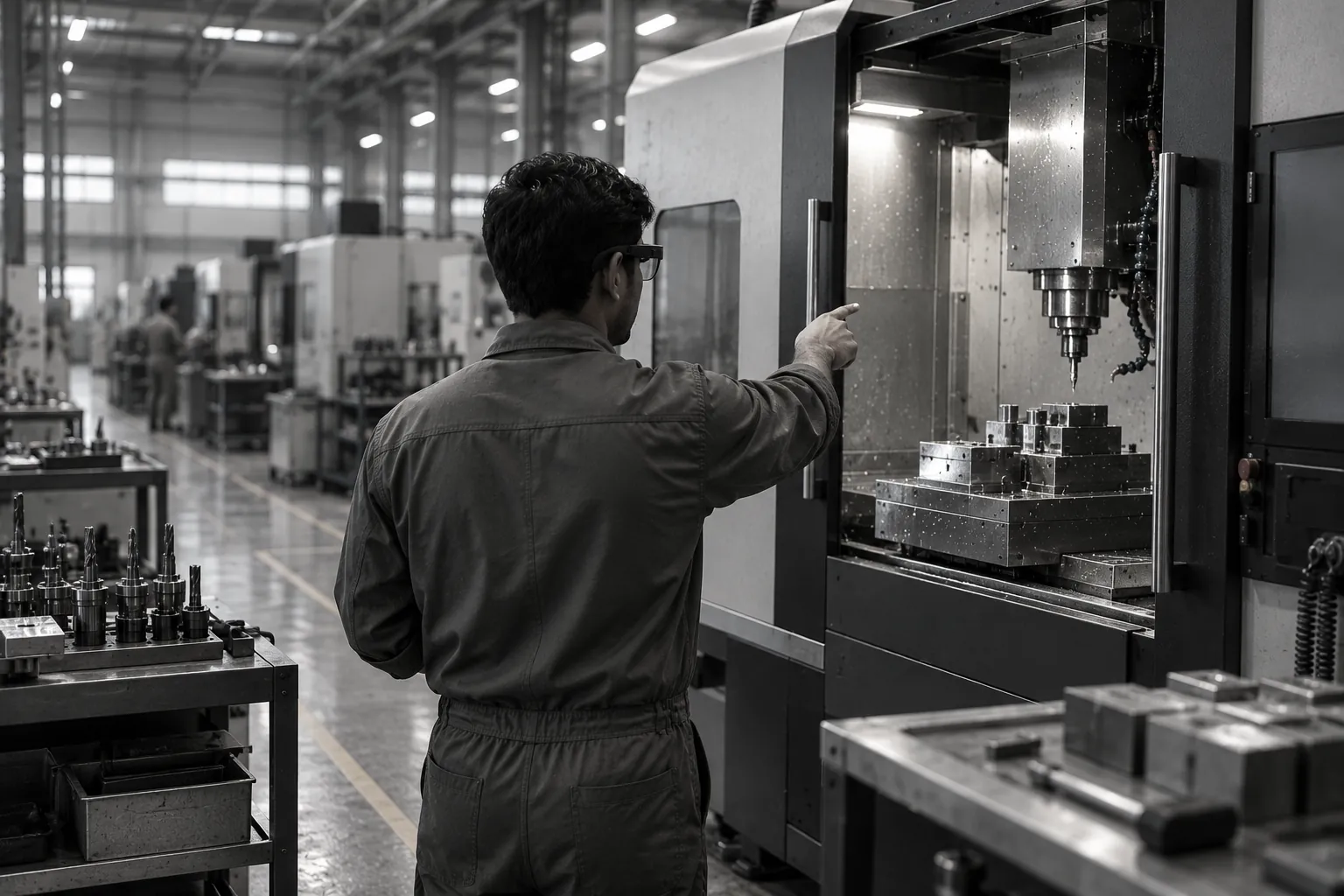
Information moves to the point of work. A technician sees the next step beside the valve rather than on a tablet at the bench. A reviewer sees a clearance issue in the model at full scale rather than on a drawing.
Hands stay on the task. Interaction happens through voice, gaze and gesture rather than a keyboard or touchscreen.
The device sees what the worker sees. Cameras on glasses can capture the scene for a remote expert, read a barcode, or recognise a situation.
Space becomes the interface. Digital content is anchored to physical locations: a warning attached to a machine, a model aligned with a building, a route laid over a warehouse floor.
How it differs from AR, VR and XR
The terms overlap. VR, AR and MR describe display experiences. XR is the umbrella term for them. Spatial computing describes the broader capability: understanding space, tracking people and objects, and anchoring content, whether or not a display is involved. Voice-first AI glasses that see the scene but show nothing still use spatial computing.
Where it fits in enterprise work
Training. Rehearsing procedures in simulated spaces. See What Is XR Training?
Guidance. Step-by-step instructions during real tasks. See Hands-Free Smart Glasses for Industry.
Review. Walking through designs and digital twins at full scale. See What a Digital Twin Review Actually Asks of the Headset.
Assistance. Remote experts seeing what field workers see. See Remote Expert Assistance.
What an enterprise team should clarify first
- Which tasks would benefit from information appearing in place rather than on a screen?
- Do workers need to see something, or would hearing it be enough?
- Where will devices be used, and what conditions will they face?
- How will devices be managed, and where will the data they capture go?
The answers point to the right class of device. QWR's paper on how to read an XR spec sheet explains why operating conditions matter more than headline specifications.
Where to go next
To find the device class that fits your use case, start with the Platform Finder.
FAQ
Frequently asked questions
What is spatial computing?+
Computing that understands physical space, tracks people and objects within it, and places information or interaction in that space, usually through head-worn devices.
How is spatial computing different from AR or VR?+
AR and VR describe display experiences. Spatial computing is the broader capability of understanding and working within space, which can include devices without displays.
What hardware delivers spatial computing in enterprises?+
Mainly VR and mixed reality headsets, AR display glasses, and AI glasses with cameras, supported by software that maps environments and anchors content.
Where does spatial computing help most?+
Where information is needed at the point of work and hands need to stay on the task: training, guidance, design review and remote assistance.
Request a Technical Briefing
Our team provides direct support for procurement officers, institutional buyers, and enterprise technology leads.